Parallelity
A downloadable game for Windows
Your greatest teammate is yourself... in the past. Solve various puzzles with your clones to beat three escape rooms!
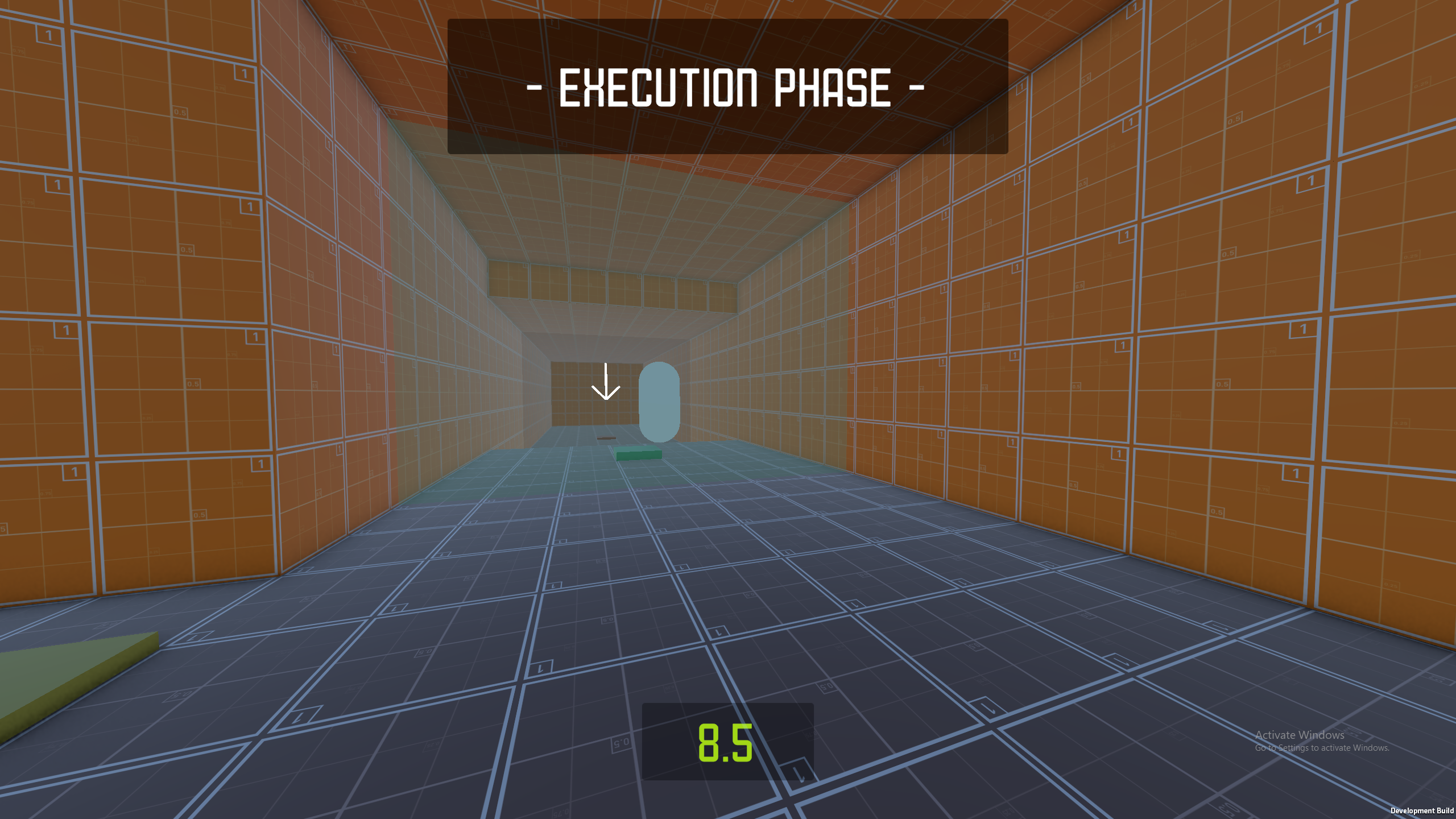
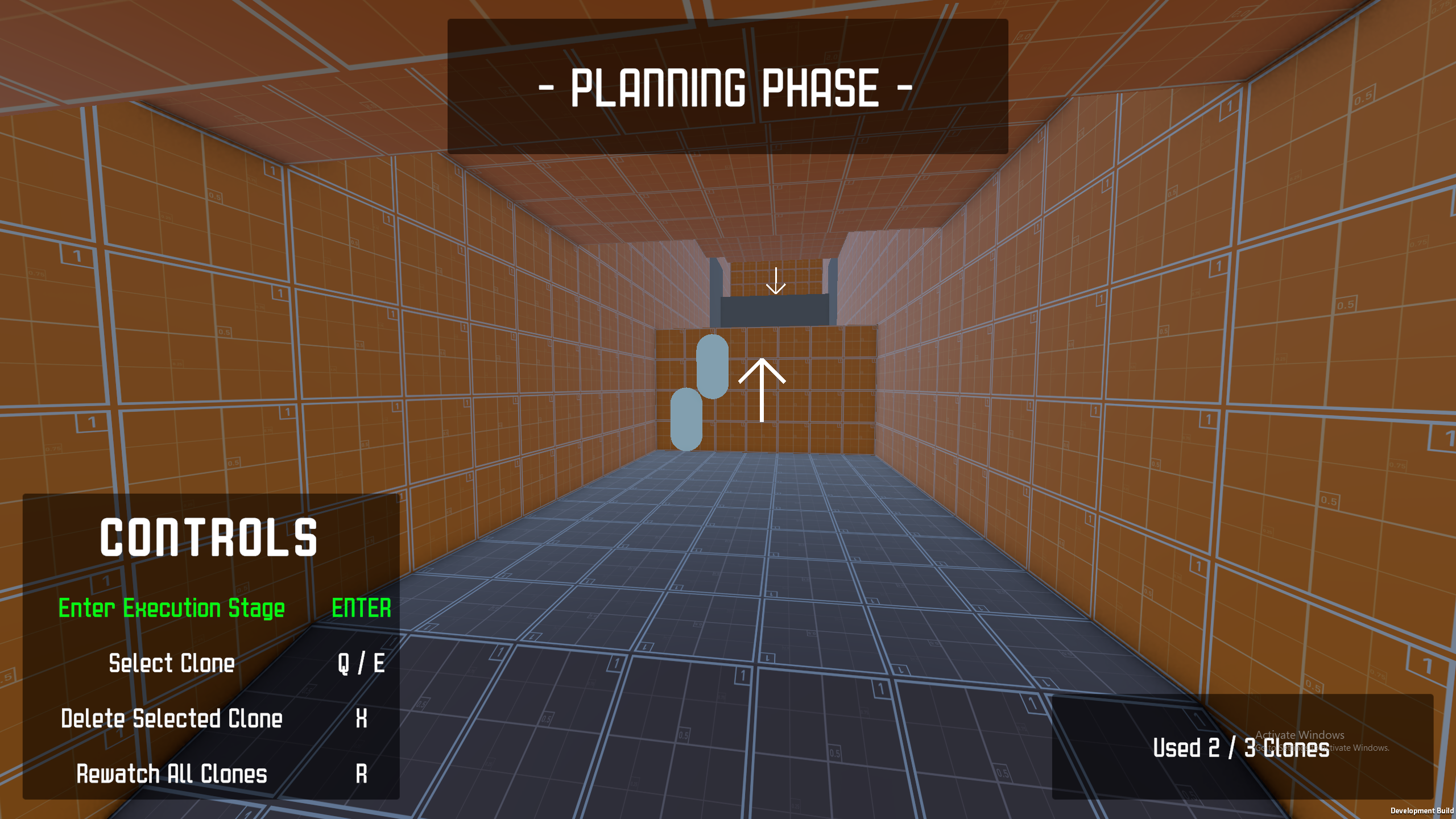
Your current attempt will be cloned in the next attempt. Any step or puzzle elements that you interacted with now will be replayed in the future, so plan your current route... and your future route too! But be careful! Your cloning powers have a time limit... so don't take too long after planning your escape!
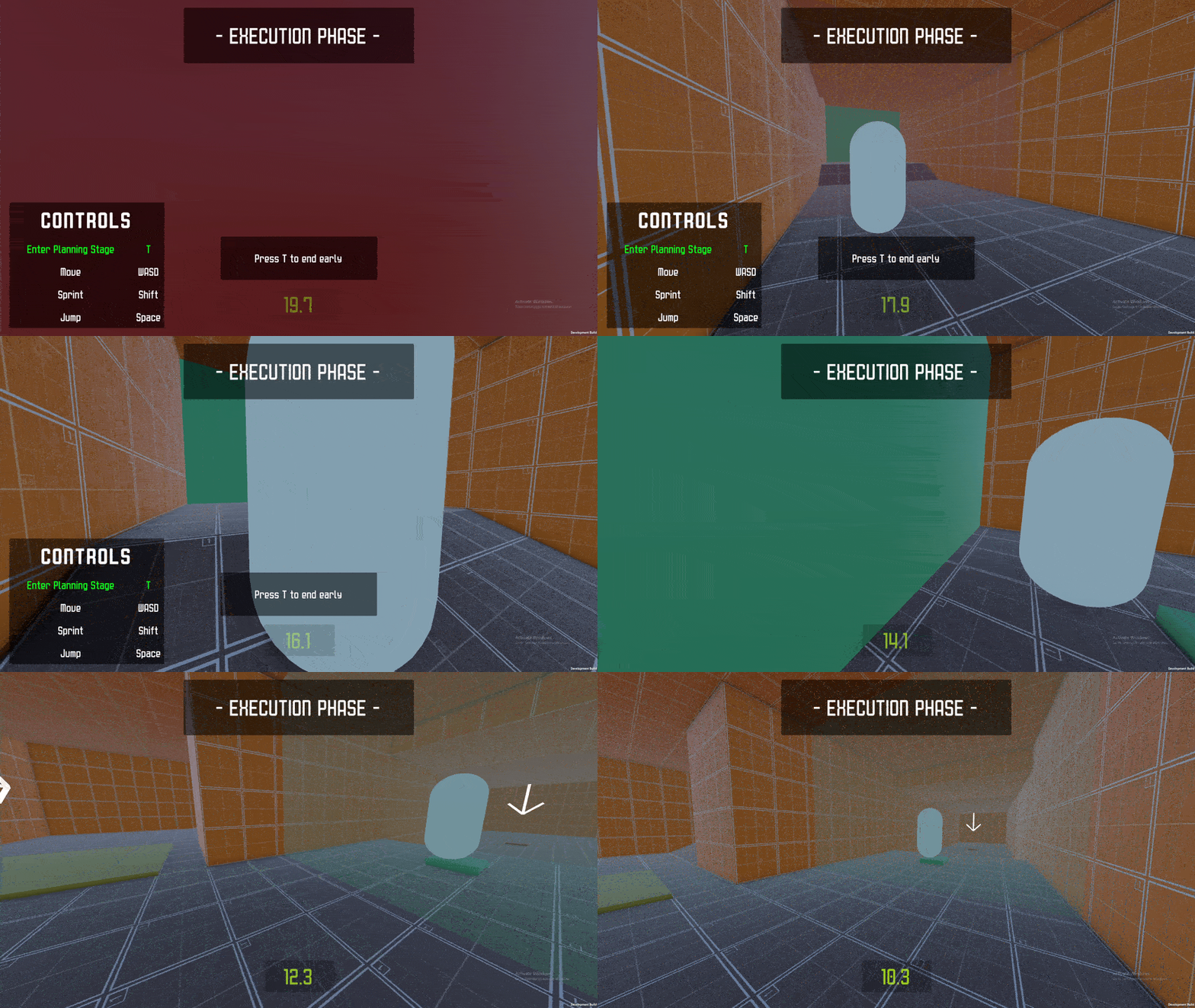
The gameplay is split into two stages, namely a Planning and Execution stage. You will be in Freefly mode during the Planning stage in order to help you plan out your routes successfully; whereas you will be in first-person mode during the Execution stage where you only have limited time to reach the end of the escape rooms.
TIP: If you are struggling with synchronising between past attempts (especially in the final level), consider using the countdown timer for help.
Third-party assets used:
- YuME (used for level-building)
- Electronic Minute 428 - Soft Simple Ambient Music (used for the BGM throughout the game)
- Unitblock Font
Thank you Nathan Lie for providing the game name. He also provided some short story (background) with it but unfortuately I had no time to put the story into the game.
Known Bugs:
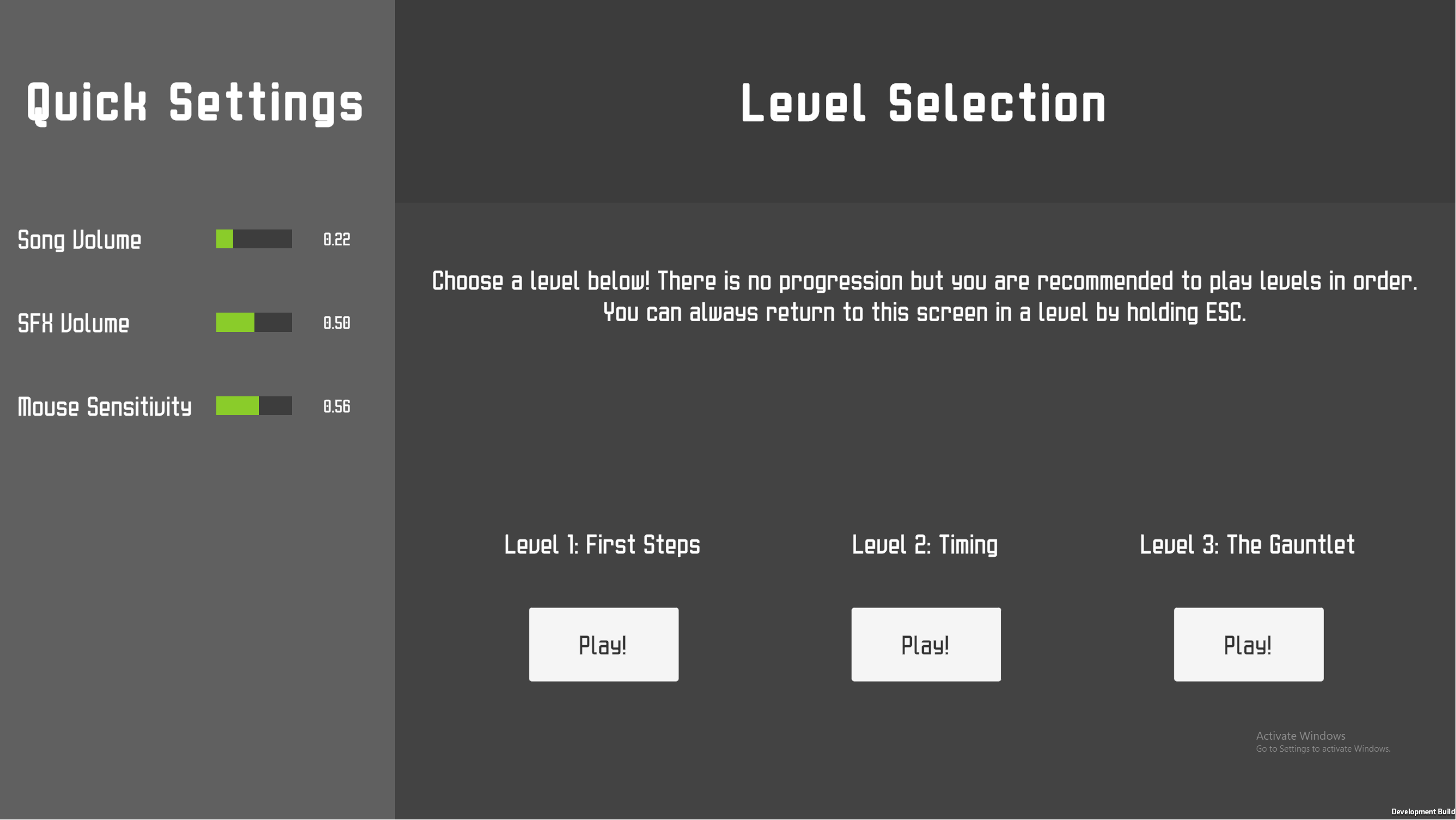
- All of the quick settings is defaulted to zero, including the mouse sensitivity. This is an unintentional bug that I didn't catch while submitting! If you can not move your mouse on the first start-up, please adjust the mouse sensitivity (and other volume settings) on the Level Select screen! You can hold ESC inside a level to exit the level.
This game is a submission to the GMTK Game Jam 2026.
Download
Install instructions
- Download the GMTK-game-jam-2026.zip file above.
- Extract the downloaded GMTK-game-jam-2026.zip file into another folder.
- Click on GMTK-game-jam-2026.exe inside the extracted folder to run the game.
NOTE: Since the game is a Development Build, Windows Defender may warn you against opening the application. This is expected, and if you want to proceed, you can ignore these warnings and continue running the game.